Swing analysis, built into the lesson.
Film in slow motion, draw on the frame, compare two swings and talk it through. Every video ends up with the lesson it belongs to.
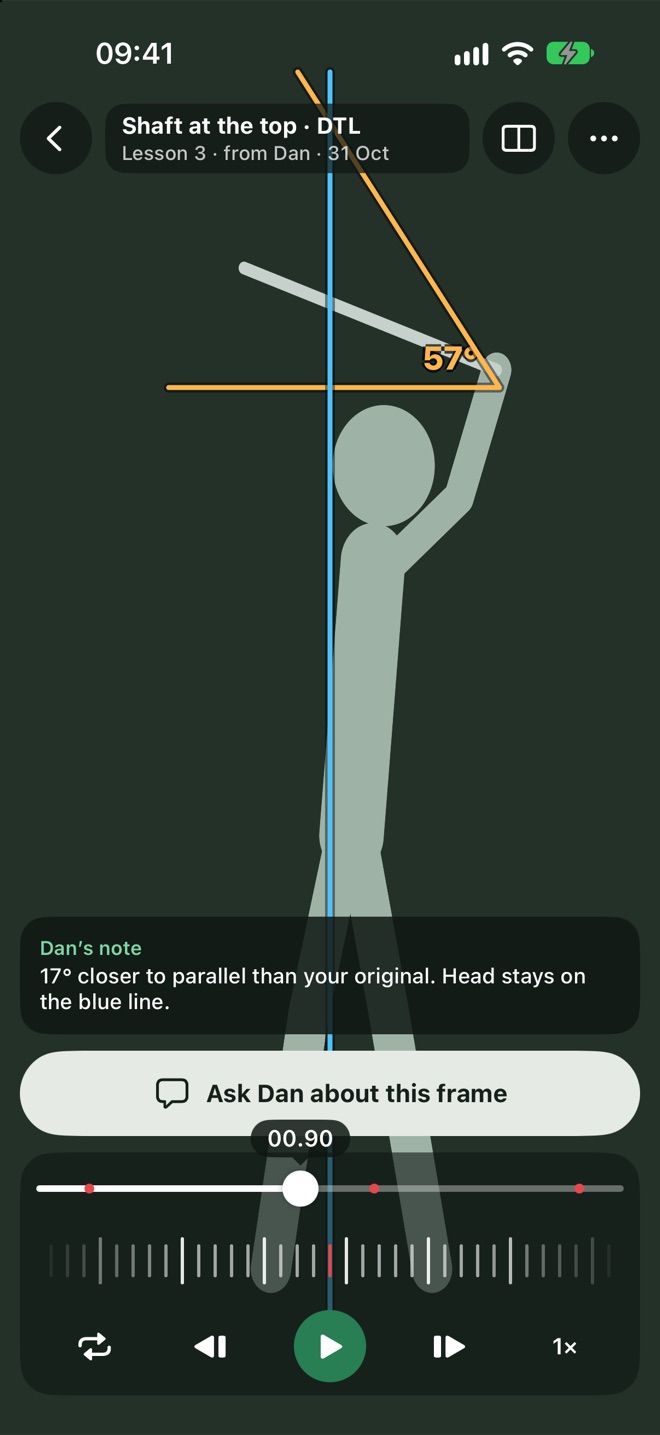
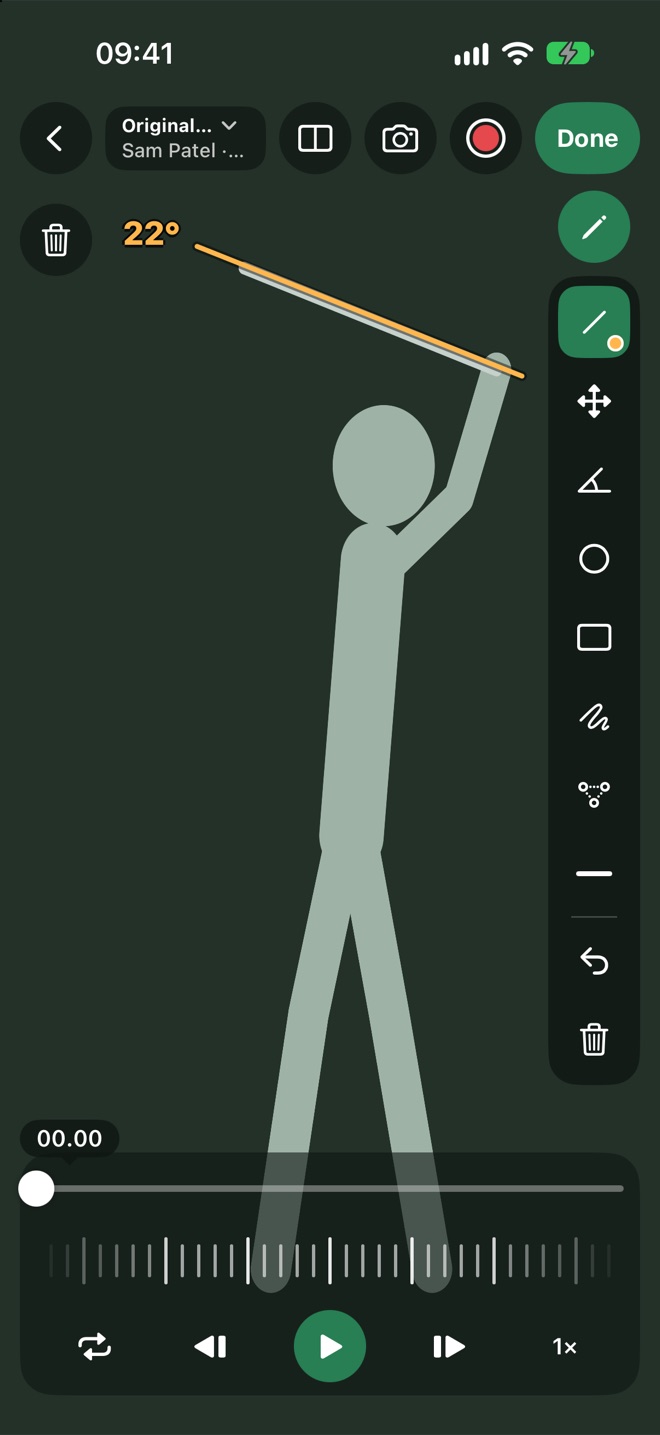
Draw what you see. Measure what matters.
Six tools sit under your thumb. Move, reshape or bin anything you've drawn, and track an angle from one lesson to the next.
- Angles that are tracked.Measure an angle once and follow it on the player's progress card.
- Frame by frame.A fine frame strip lets you stop on the exact position.
- Film or import.Use the camera, or bring a video in from Photos.
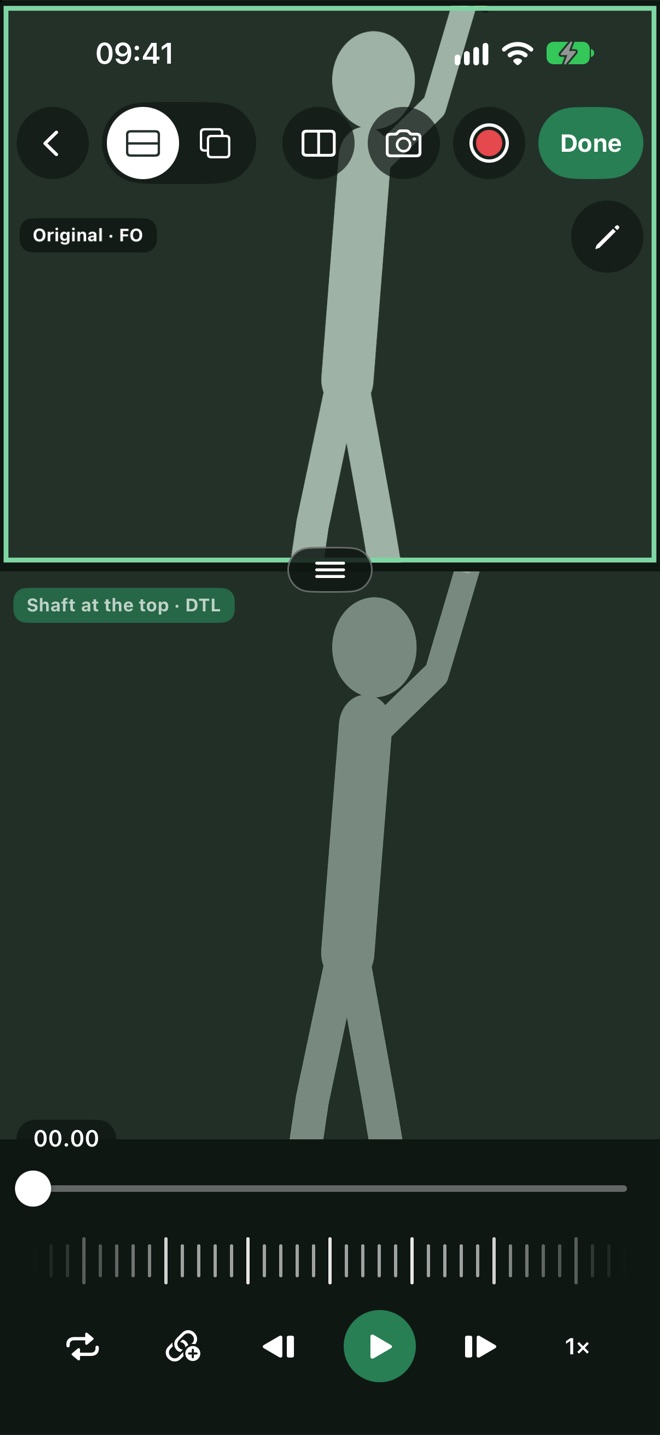
Last lesson against today, in one view.
Put two swings next to each other, or lay one over the other. The difference is easy to see, and easy to show.
- Side by side or overlaid.Pick the view that shows the change best.
- Draw on either.Mark up both swings to make the point.
- Any two swings.Different days, different clubs, face-on or down the line.
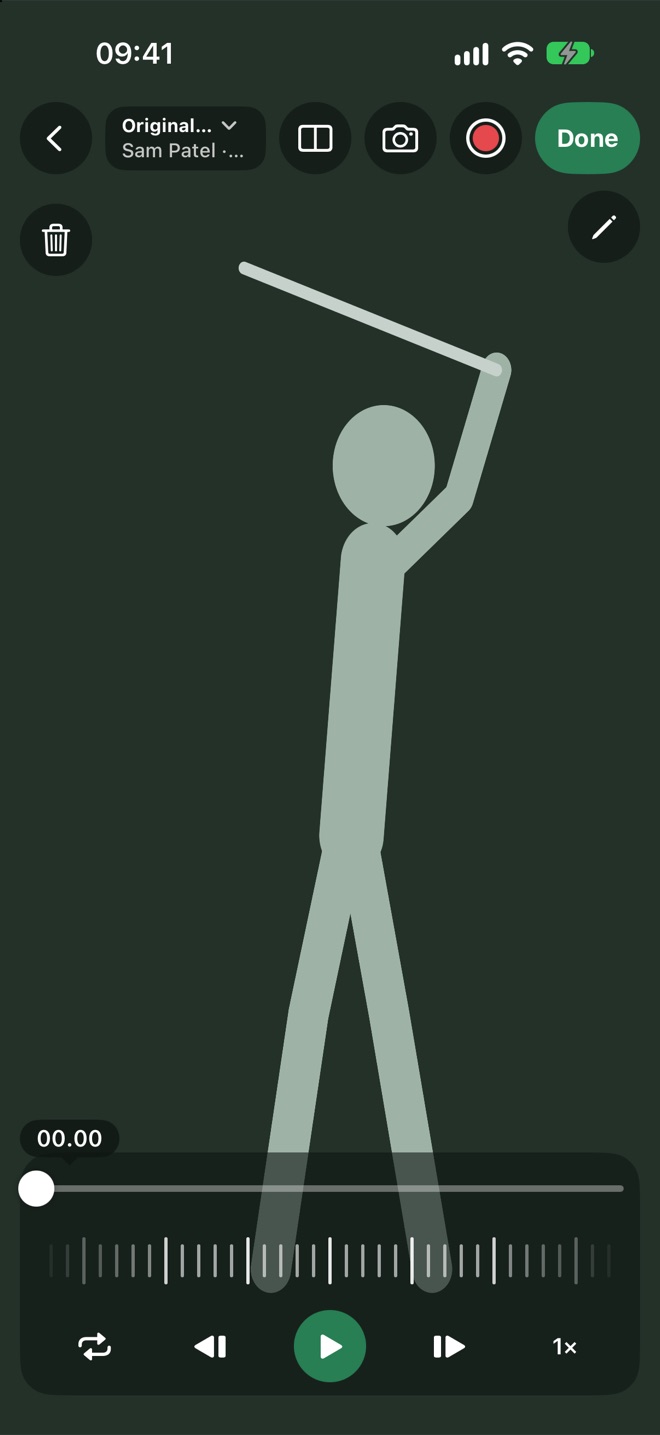
Talk over the swing. Send one finished video.
Record up to three minutes of your voice while you draw and scrub. The player hears the lesson again whenever they need it.
- Voice and drawing together.Everything you draw is captured as you talk.
- Works without signal.Record on the range and it uploads later.
- Sent with the lesson.The analysis sits under the lesson summary.
Every player's swings, in one gallery.
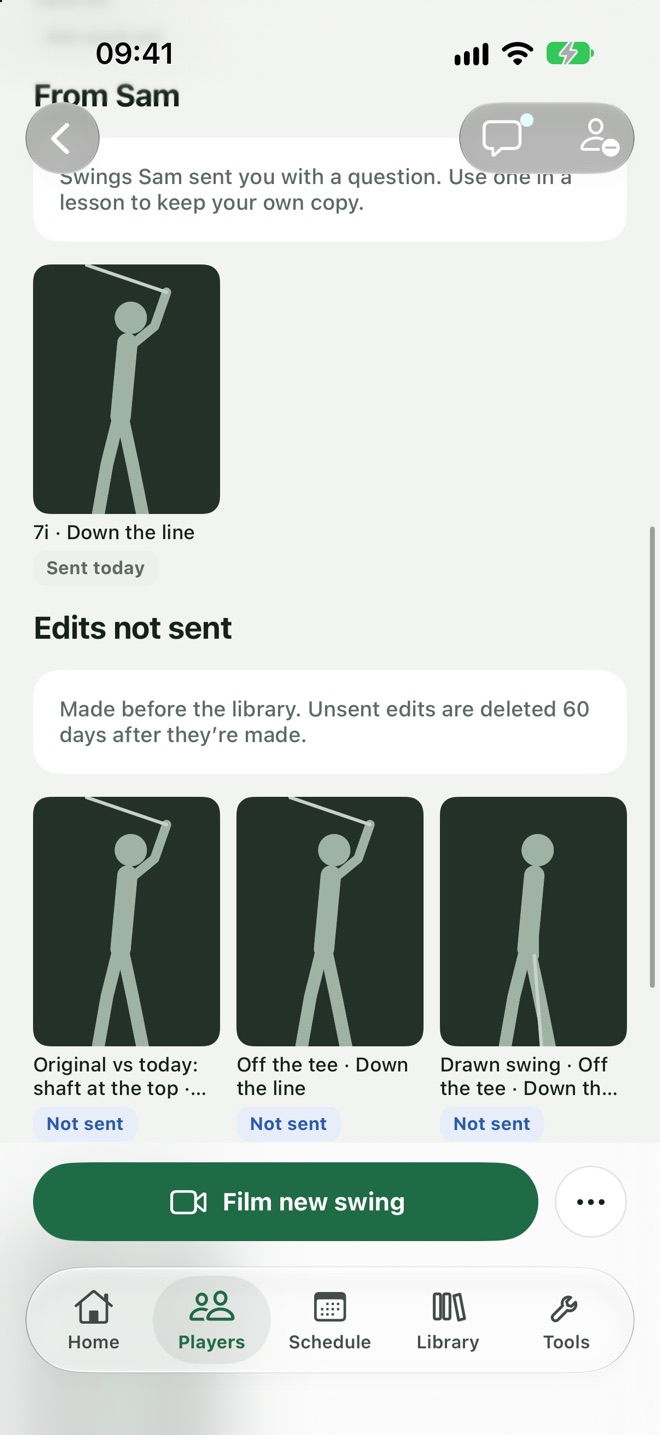
Each player has a library of their original videos. Pick any of them to use in a lesson, and see at a glance which have been sent.
- Tagged for you.Club, view and whether it's been used yet.
- Private until used.A video reaches the player only with a lesson or a practice.
- Tidy by design.Delete what you don't need; deleted files are gone for good.
From a swing on the range to a video they'll watch again.
Film
Slow motion, face-on or down the line, trimmed to the swing.
Analyse
Draw, measure and compare inside the lesson.
Talk
Add a voice-over of up to three minutes.
Send
It goes out with the lesson summary and the week's practice.
Swing analysis, answered.
Do I need a special camera?
No. An iPhone films in slow motion at up to 240 frames a second, depending on the model.
Can players send their own swings?
Yes. A player can send a swing in their messages, and the coach can reply with a review.
Who can see a swing video?
The coach, and the player once it has been sent to them. Nobody else.
Show them, don't just tell them.
The tools a coach reaches for in every lesson, in the app the lesson already lives in.
Join the waitlistComing soon to iPhone