The lesson that doesn't vanish on the drive home.
Every lesson ends with a short, clear summary: the problem, the fix and the reps. The player has it on their phone before they've left the car park.
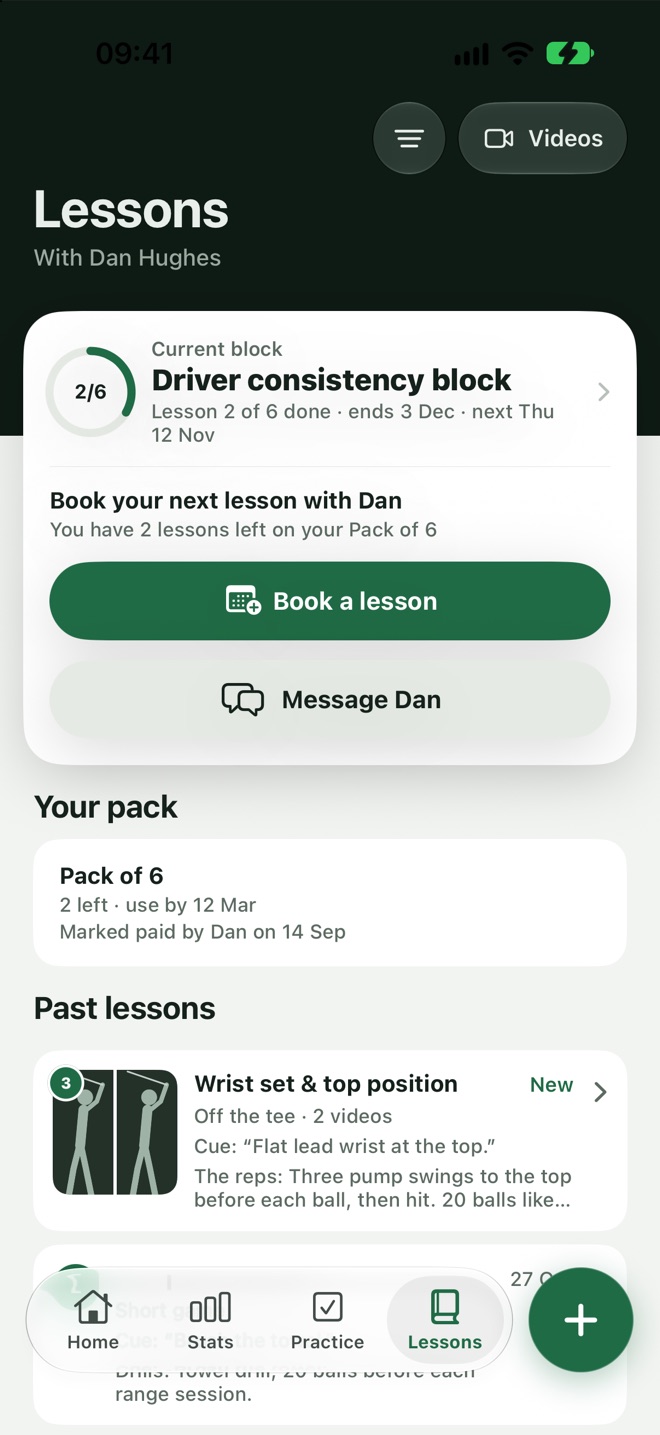
One problem. One fix. The reps to make it stick.
No essay and no jargon. Each summary says what the ball was doing and why, the one thing to change, and how to practise it.
- A cue to remember.The fix leads with one short line the player can take to the range.
- Videos attached.The swings and analysis from the lesson sit under the summary.
- Always there.Every past lesson stays in the player's Lessons tab.
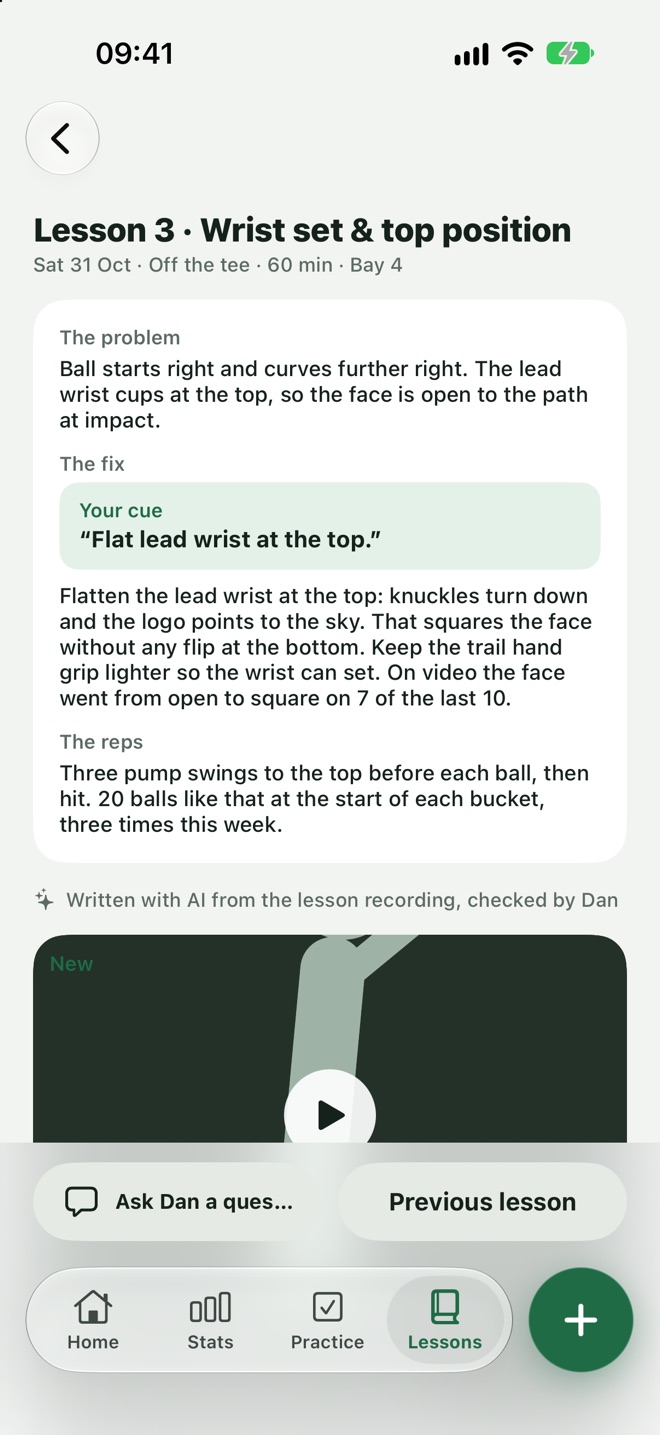
Teach the lesson. The write-up drafts itself.
With the player's agreement, the coach can record the lesson's sound. Loft Coach turns it into a draft summary while the lesson is still going.
- Only with a yes.The player agrees first, and can change their mind at any time.
- Mark the moments.Tap once when something clicks, and it's kept as a key moment.
- Keeps going.Works with the phone locked and in a pocket.
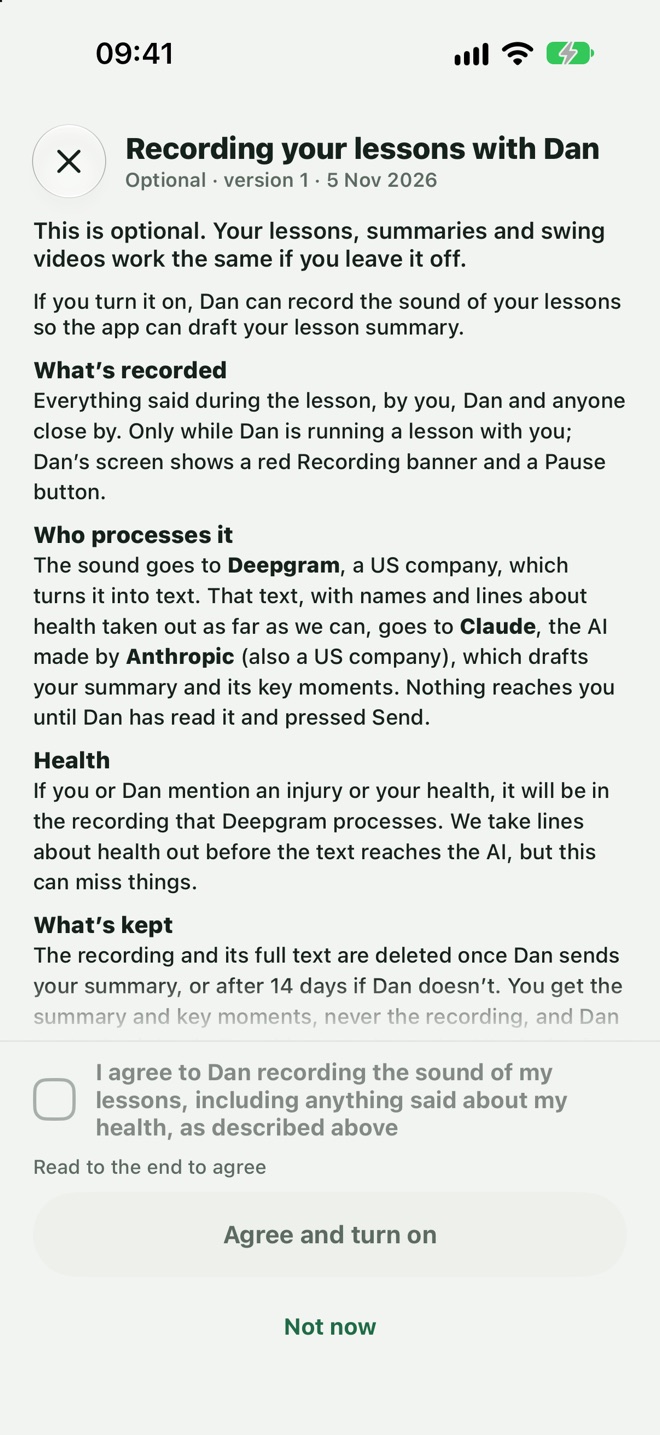
AI writes the draft. The coach has the last word.
Nothing reaches the player until the coach has read it, checked anything flagged and pressed Send. The player sees that it was written with AI and checked by their coach.
- Flags to clear.Anything the AI wasn't sure of is marked for the coach to check.
- Edit anything.The coach can rewrite any line before sending, and resend later.
- Straight into practice.The summary feeds the week's practice plan.
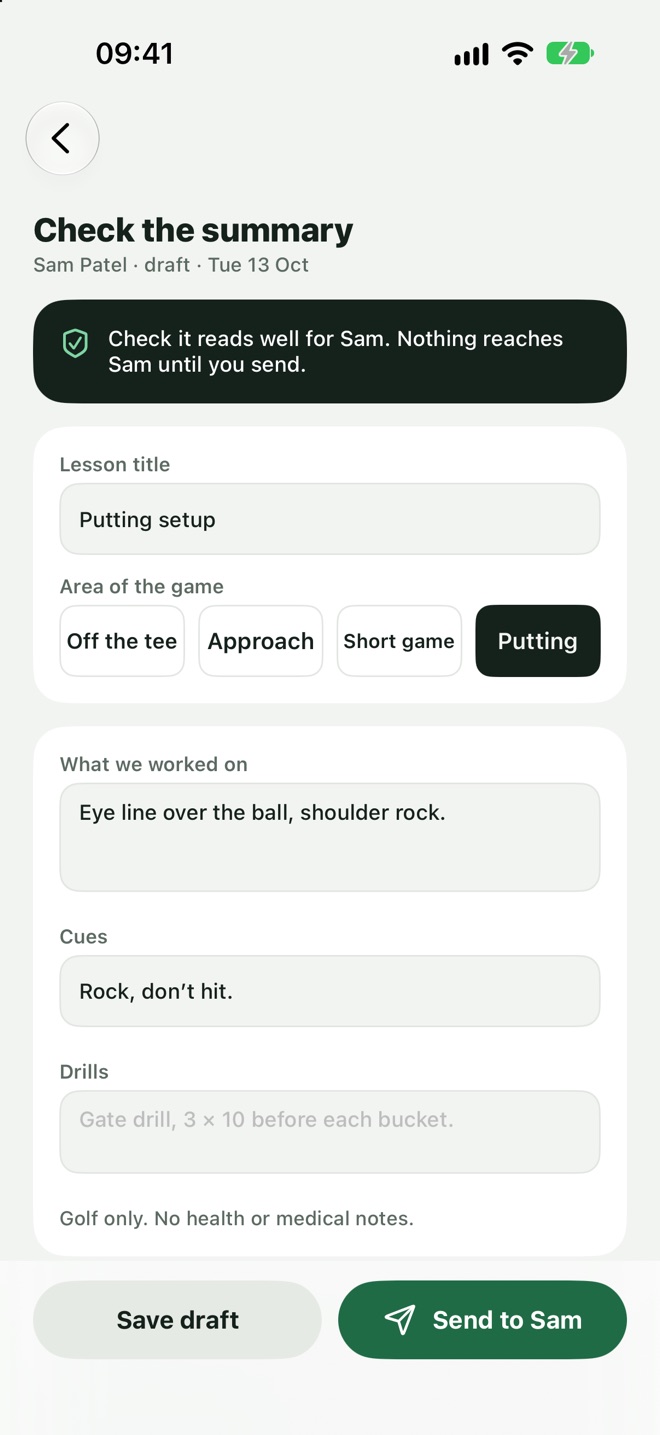
From the lesson tee to the player's pocket.
Teach
Run the lesson as you always do. Film swings and mark moments as you go.
Review
Read the draft summary and clear any flags.
Send
The player gets the summary, the videos and their practice together.
Follow up
See when it was opened, and what they practised.
Lesson summaries, answered.
Does the coach have to record the lesson?
No. A coach can write the summary by hand in the same three parts. Recording is there to save time.
Who can see a lesson summary?
Only the coach who wrote it and the player it was written for.
Can a summary be changed after it's sent?
Yes. The coach can edit and resend it, and the player sees the new version.
A lesson worth keeping.
Give every player something to take home, without an evening of typing.
Join the waitlistComing soon to iPhone